

Phishing is like a digital fishing scam where bad actors cast out fake emails or messages to hook unsuspecting folks into sharing sensitive info, like passwords or credit card details. It’s sneaky because these emails often look legit, mimicking trusted companies or friends. But here’s a twist: sometimes, even real emails get caught in the net by mistake, as seen in Microsoft’s recent Exchange Online hiccup. Let’s explore what phishing really means and how this bug is messing with everyday email users.
The Basics of Phishing: How It Works and Why It’s Dangerous
At its core, phishing is a cyber trick where scammers send emails that appear to come from reliable sources, urging you to click links, download files, or spill personal data. Think of it as a wolf in sheep’s clothing— the email might claim your bank account is at risk, prompting you to “verify” details on a bogus site. Once you bite, they steal your info for identity theft or fraud. It’s super common, affecting millions yearly, and evolves with smarter tactics to dodge filters. Knowing what phishing is can save you from big headaches, like lost money or hacked accounts.
Microsoft’s Exchange Online Mix-Up: Legit Emails Tagged as Phishing
Microsoft is digging into a quirky issue with Exchange Online, where harmless emails are wrongly labeled as phishing and tossed into quarantine. This started on February 5, 2026, and it’s still ongoing, leaving users frustrated as they can’t send or receive messages smoothly. The culprit? Overzealous URL rules that flag safe links as shady, thanks to ever-changing spam detection criteria. Over the weekend, Microsoft pinpointed the problem to a new rule gone wrong, mistaking good emails for phishing attempts. It’s a reminder that even top tech can stumble in the fight against real phishing.
How This Bug Highlights the Real Risks of Phishing
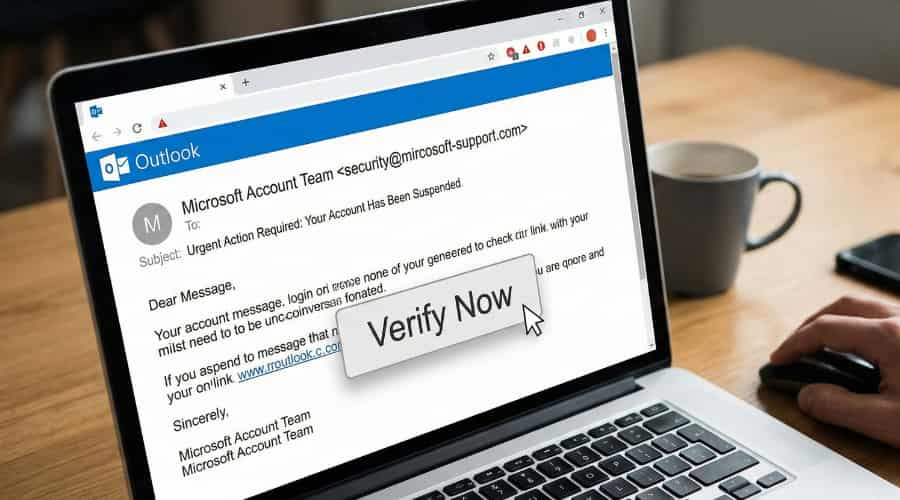
This glitch shows how anti-phishing tools, meant to protect us, can sometimes backfire. Real phishing emails often use urgent language, fake logos, or suspicious links to lure you in—always hover over URLs to check them before clicking. In Microsoft’s case, the system got too strict, quarantining innocent messages and disrupting work for Exchange Online customers. It’s a wake-up call: stay vigilant against phishing by verifying senders, avoiding unknown attachments, and using two-factor authentication. Tools like these are vital, but glitches like this prove nothing’s foolproof.
Tips to Spot and Avoid Phishing in Your Inbox
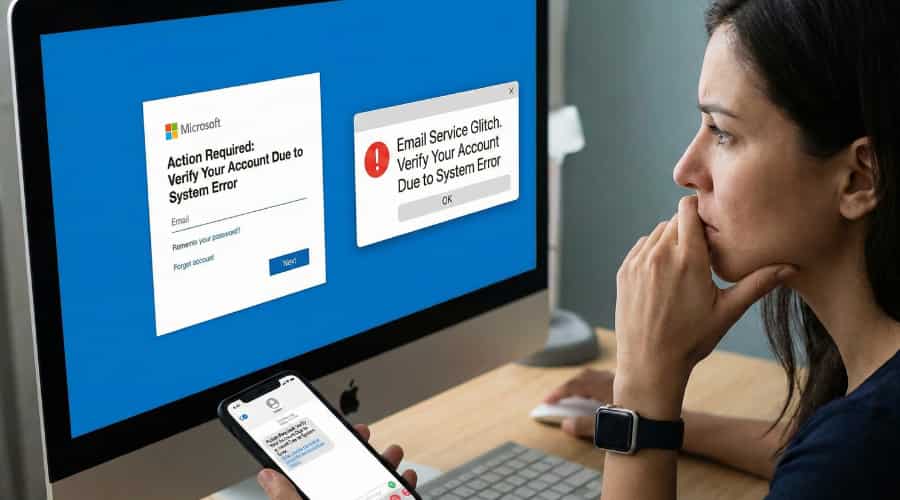
Spotting phishing isn’t rocket science—look for red flags like poor grammar, unexpected requests for info, or emails from odd addresses. If something feels off, don’t click; contact the sender directly through official channels. Enable spam filters, keep software updated, and educate yourself on common scams. In light of Microsoft’s issue, double-check quarantined emails—they might be legit. Staying sharp keeps your data safe and turns you into a phishing pro.
Related Search Questions and Answers
What is phishing and how does it work? Phishing is a scam where fraudsters send fake emails pretending to be from trusted sources to steal your personal info. It works by tricking you into clicking malicious links or sharing details on phony sites.
What are common signs of a phishing email? Watch for urgent demands, spelling errors, unfamiliar senders, or suspicious links. Legit companies rarely ask for sensitive info via email—always verify before acting.
How can I protect myself from phishing? Use strong passwords, enable two-factor authentication, avoid clicking unknown links, and install antivirus software. Regularly check your accounts for odd activity.
What should I do if I think I’ve been phished? Change passwords immediately, alert your bank or service provider, and run a malware scan. Report the email to authorities like the FTC for extra protection.
Why do anti-phishing tools sometimes flag legitimate emails? Filters can overreact to evolving spam rules, like in Microsoft’s Exchange Online bug, where safe URLs get mislabeled—it’s a balance between security and usability.
Conclusion
Understanding what phishing is empowers you to navigate the online world safely, dodging scams that lurk in your inbox. Microsoft’s Exchange Online glitch highlights how even robust systems can falter, reminding us to stay alert. By spotting red flags and using smart habits, you can outsmart phishers every time. In the end, knowledge is your best shield—keep learning and stay one step ahead.